It´s not easy to secure Firefox there are no officialGPO Support.
Let´s do it with user.js
Look at here
https://github.com/pyllyukko/user.js
It´s not easy to secure Firefox there are no officialGPO Support.
Let´s do it with user.js
Look at here
https://github.com/pyllyukko/user.js
You are searching after a good two factor open source solution?
Then look at https://www.privacyidea.org/ or directly on Github
Edit your properties file for Hybris to change your cache for better performance
# Size of a region that stores all other, non-typesystem and non-query objects. Default value is 100000.
regioncache.typesystemregion.size=500000
# Size of a region that stores all other, non-typesystem and non-query objects. Default value is 100000.
regioncache.entityregion.size=500000
# Size of a region that stores query results. Default value is 20000.
regioncache.querycacheregion.size=500000
# Change eviction policy used by entity region. Possible vales are FIFO (default), LFU and LRU.
# LRU and LFU can be used for EhCacheRegion only. For other region types this setting is ignored.
regioncache.entityregion.evictionpolicy=LRU
regioncache.typesystemregion.evictionpolicy=LRU
regioncache.querycacheregion.evictionpolicy=LFU
# specifies root cache folder for all cached files
media.default.local.cache.rootCacheFolder=cache
# specifies max size of media cache in MB
media.default.local.cache.maxSize=1024
Get Group from AD
Get-QADGroupMember oldMoep\WRF-universal | select ntaccountname > C:\ad\WRF-universal.txtRemove spaces
get-Content .\WRF-universal.txt | Foreach {$_.TrimEnd()} | Set-Content .\WRF-universal1.txt
Import TXT into AD Groups
Get-Content .\WRF-universal1.txt | Add-QADGroupMember -identity Moep\WRF-universal
git svn clone –no-metadata https://snvkonkretor.com/myproject/oldstuff
git remote add origin https://konkretor@git.konkretor.com/legacy/legacy.git
git remote -v
git config http.sslVerify false
git push –all
found here with
svn2git example
https://www.troyhunt.com/migrating-from-subversion-to-git-with/
Now you can install a MS SQL Server under Linux.
More here
https://docs.microsoft.com/en-us/sql/linux/sql-server-linux-setup
Following these Steps
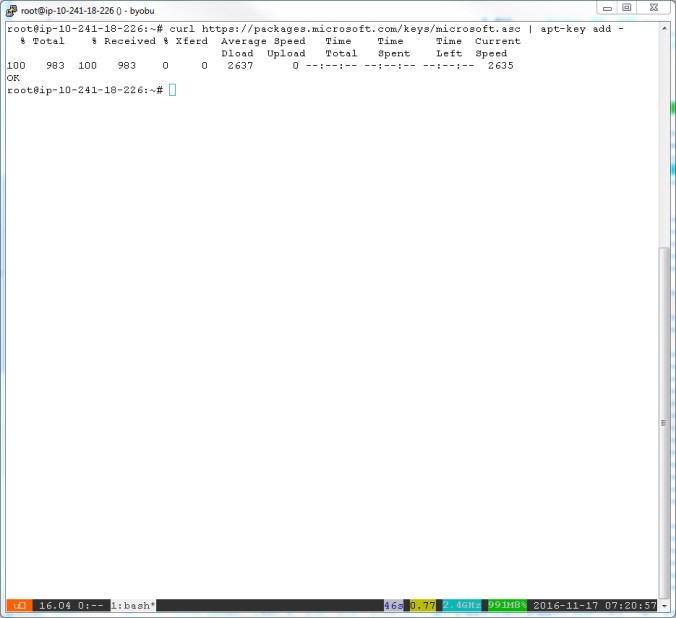
Import GPG Keys
curl https://packages.microsoft.com/keys/microsoft.asc | apt-key add –
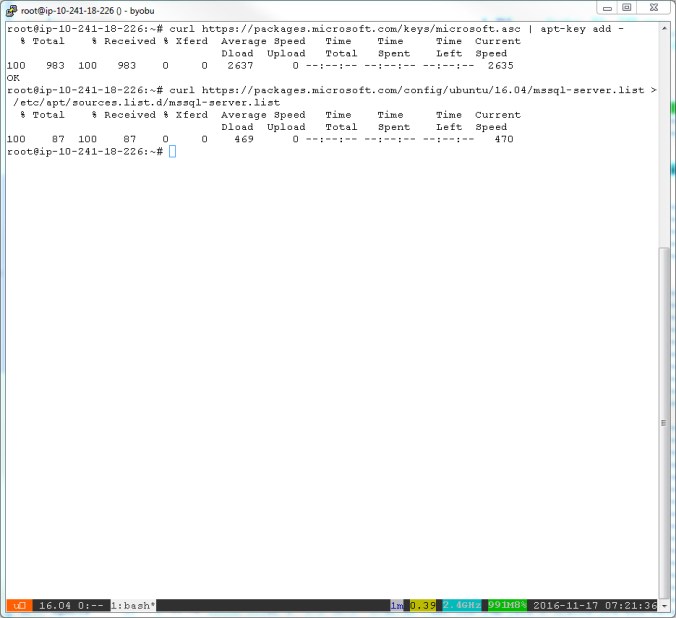
Add MS SQL Server to your Repository
curl https://packages.microsoft.com/config/ubuntu/16.04/mssql-server.list > /etc/apt/sources.list.d/mssql-server.list
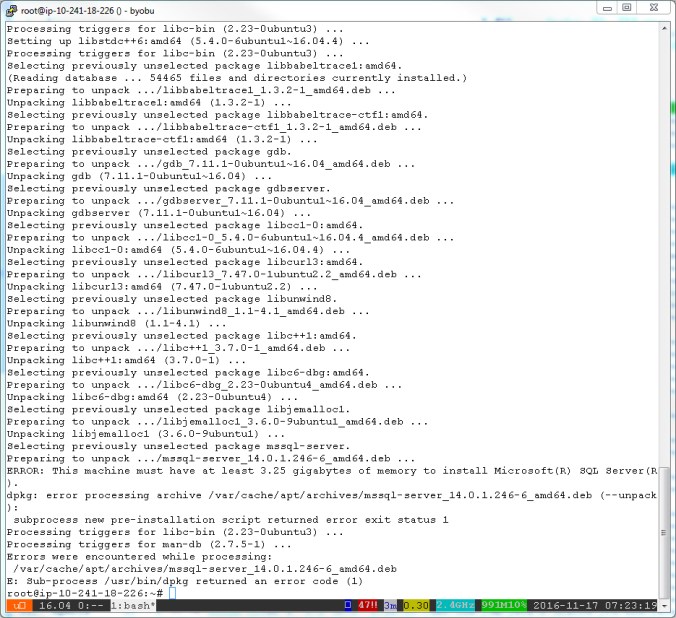
Install MS SQL Server, Attention your Machine needs 4 GB of RAM
apt-get update
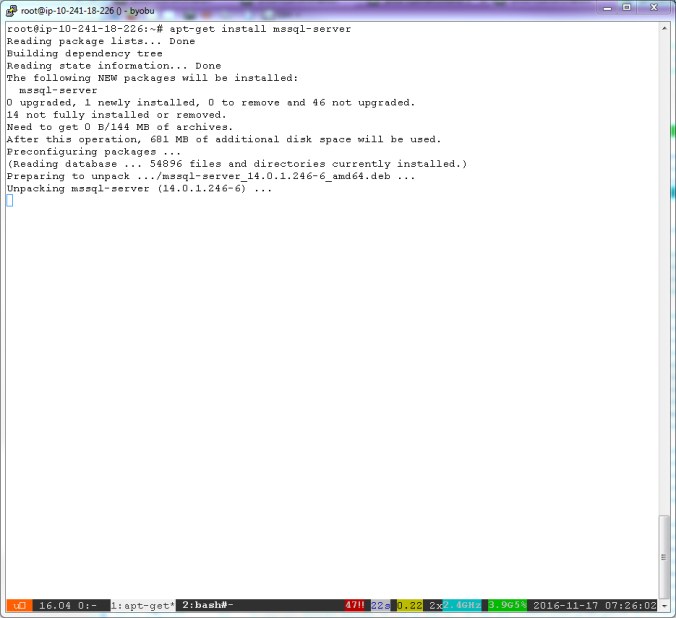
apt-get install mssql-server


Installation is aborted, when you have less than 4 GB in your System
After Upgrading my Machine with more RAM, the installation is up and running

Start your MS SQL Server under Linux
/opt/mssql/bin/sqlservr-setup
You must accept the MS License….
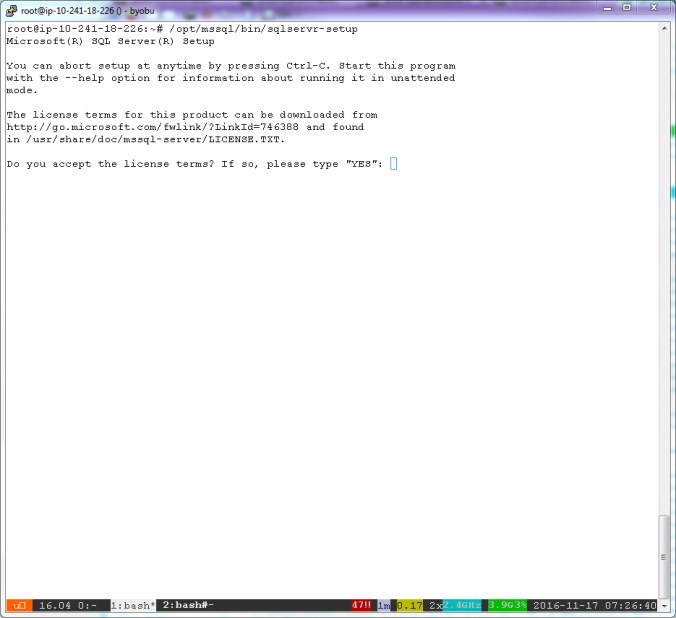
Type your Password your your SA User Account
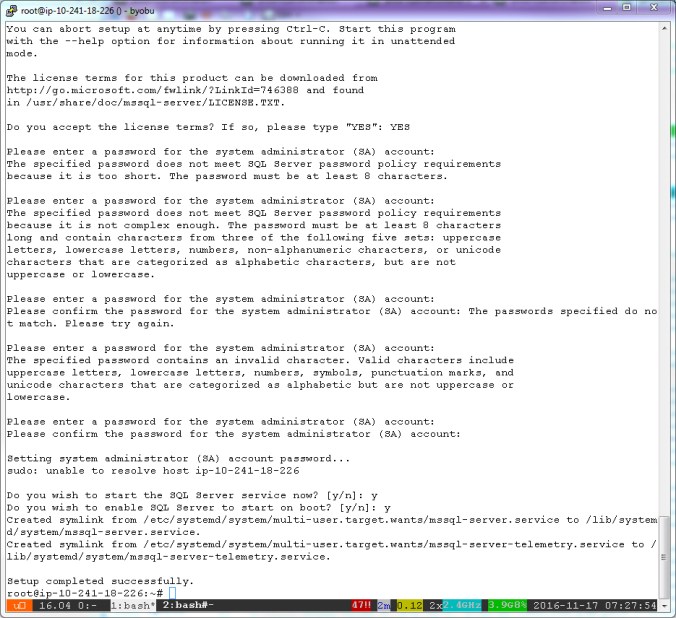
After this your MS SQL Server is up and running under Linux
Check if the MS SQL Server is running under Linux
systemctl status mssql-server

You are looking for Logfiles, you must look in /var/log/syslog for more Information about your MS SQL Server.
Install MS SQL CLI Tools
https://docs.microsoft.com/en-us/sql/linux/sql-server-linux-setup-tools#ubuntu
Ja endlich ist es soweit und die Beta beginnt.
Es gibt nun kostenlose SSL Certs für alle
Es muss nicht immer Amazon AWS sein oder Microsoft Azure
Es gibt auch Open Source Lösungen
Bei Openstack gibt es einen Devstack, da kann man selber mal schauen und probieren. Für Produktiv nicht geeignet.
http://docs.openstack.org/developer/devstack/
IBM baut auf cloudfoundry auf
http://www.ibm.com/cloud-computing/bluemix/
 Konkretor Blog, IT Stuff and more